Automate any Mac app. Visually.
Serious AI Automation for Serious People.
7-day free trial · No credit card required
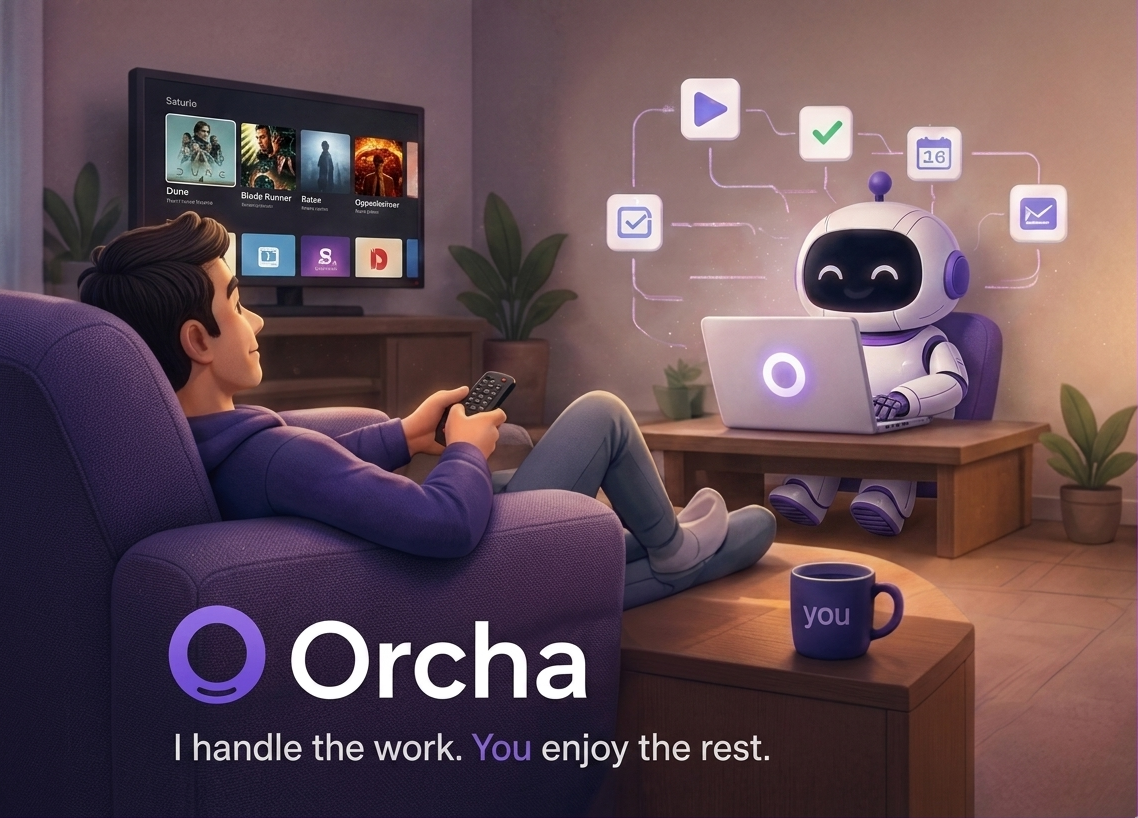
How Orcha works
Three steps from idea to running automation
Drag & drop nodes
Pick from apps, actions, logic, and AI nodes. Build your flow visually — no code.
Connect & configure
Link nodes together. Set conditions, write scripts, or just fill in a few fields.
Run or schedule
Hit Run, or set a cron schedule. Orcha does the rest while you focus on what matters.
Everything you need to automate your Mac
From simple app control to AI-powered workflows
Vision
Click any element by description. No selectors, no coordinates — just describe what you see.
App Control
Launch apps, type text, click buttons, run AppleScript — all in a visual flow.
Smart Logic
Conditions, loops, variables, and switch nodes to handle any real-world workflow.
AI Nodes
Ask Claude, GPT, or Gemini mid-workflow. Summarise, classify, generate — anything.
Scheduled Runs
Run workflows on a cron schedule. Daily reports, nightly backups, hourly checks.
Debug Mode
Step through workflows with breakpoints. Inspect variables at every node.
Run History
Full execution logs for every run. See exactly what happened and when.
Show Once
Do it once and Orcha learns it. Record any action — click, type, scroll — and replay it forever.
7-day free · No credit card required
Why Orcha beats the alternatives
Other tools weren't built for Mac. Orcha was.
| Feature | OrchaMac automation | Claude CoworkAI agent workspace | N8NWorkflow automation |
|---|---|---|---|
| Controls Mac apps directly | ✓Native clicks, typing & vision | ✗Extension + MCP setup required | ✗Not supported |
| Multiple browser profiles | ✓Any profile, zero setup | ✗Not supported | ✗Not supported |
| No browser extension needed | ✓Works out of the box | ✗Extension required + sign-in | ✗Not applicable |
| No-code visual builder | ✓Drag & drop canvas | ✗Prompt-based only | ~Node canvas, developer-oriented |
| No API keys or third-party auth | ✓Zero integrations to configure | ✗MCP connections required | ✗API keys, OAuth & webhooks needed |
| No MCP connection needed | ✓Direct app access built-in | ✗MCP required for every app | ✗Not applicable |
| Runs fully local | ✓Pure local, no cloud dependency | ✗Cloud-based only | ~Only if self-hosted |
| Easy to debug & trace | ✓Visual run history & step logs | ✗Hard to trace agent steps | ✗Complex logs, steep learning curve |
| Setup complexity | ✓Download & sign in — done | ~Moderate — MCP setup per app | ✗High — config heavy, self-host or cloud |
| Scheduled / cron runs | ✓Built-in scheduler (Pro) | ✗Not supported | ✓Supported |
~ = partial support · ✗ = not supported
Simple, transparent pricing
Start with a 7-day free trial. No credit card required.
$79 / year — billed annually
- ✓Unlimited workflow runs
- ✓App control (launch, click, type)
- ✓Show Once — record & replay actions
- ✓Basic nodes (Delay, Condition, Loop, Notify)
- ✓Workflow save, load & history
$144 / year — billed annually
- ✓Everything in Standard
- ✓Vision automation
- ✓AI nodes (Claude, GPT, Gemini)
- ✓Scheduled / cron runs
- ✓Debug mode & breakpoints
Cancel anytime · Secure checkout by Paddle · All prices in USD
Orcha is just getting started
Mac is only the beginning. We're building Orcha for every platform you use.